01 / PREPARE WITH PURPOSE
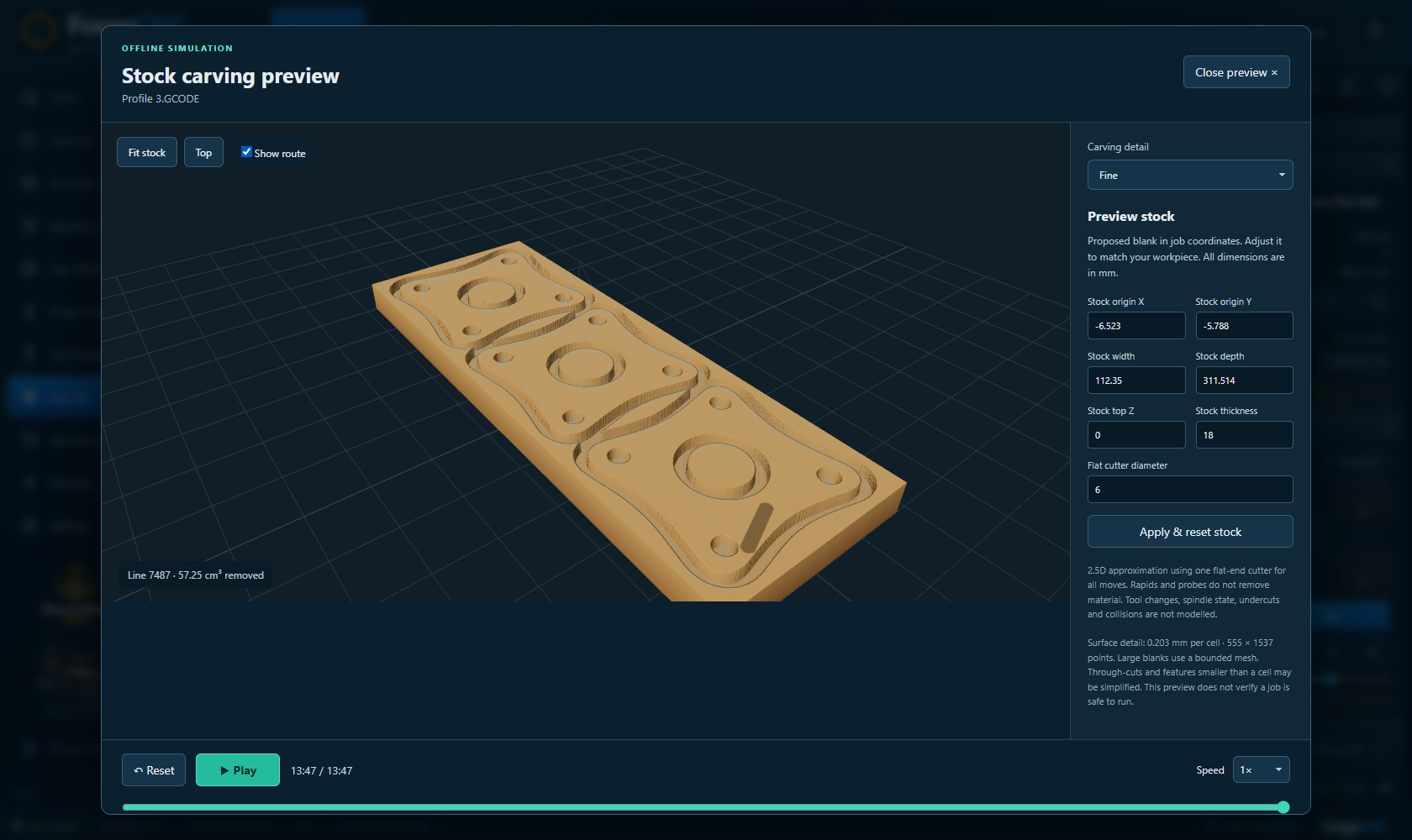
See the cut before the cut.
Inspect your route and play an approximate stock-carving preview. Pause, scrub and explore the details before moving to your setup.
Read the guide
A connected space for previewing your work, preparing the machine and understanding what comes next.
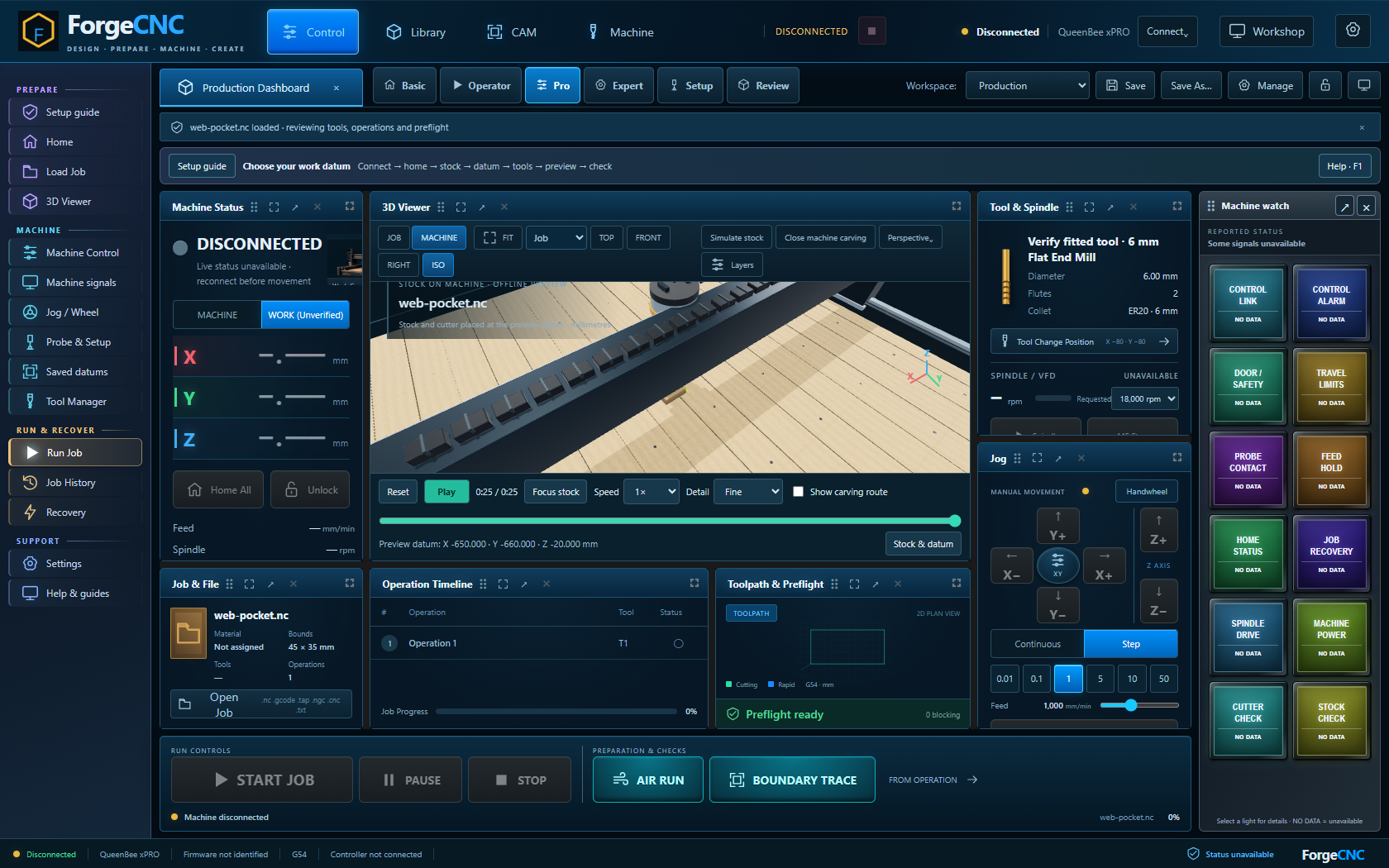
Actual application · browser simulation · physical machine connection requires the installed app
Inspect your route and play an approximate stock-carving preview. Pause, scrub and explore the details before moving to your setup.
Read the guide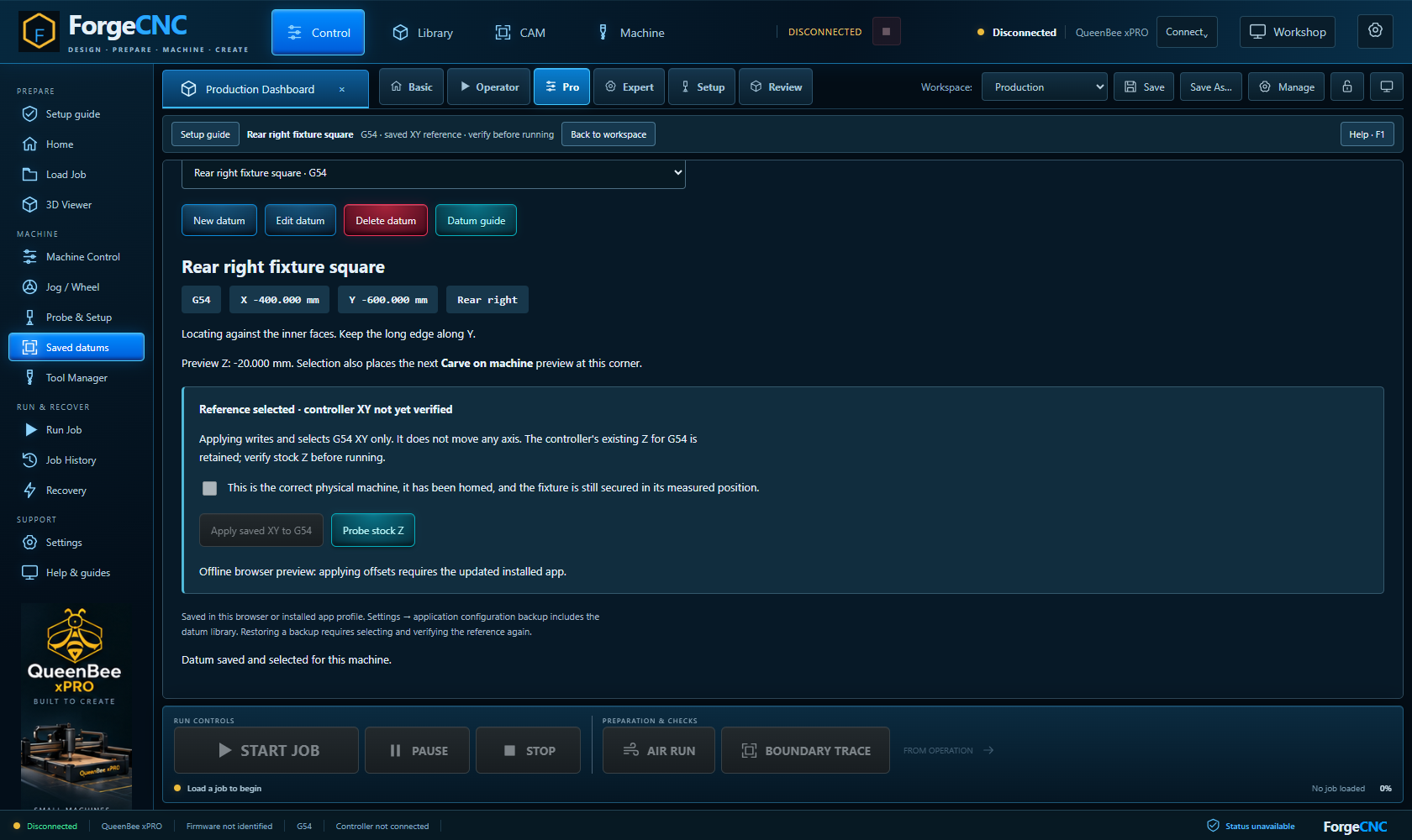
Save named fixture datums and see your job at its work position on the illustrated machine. Prepare repeat setups with a clearer reference.
Read the guide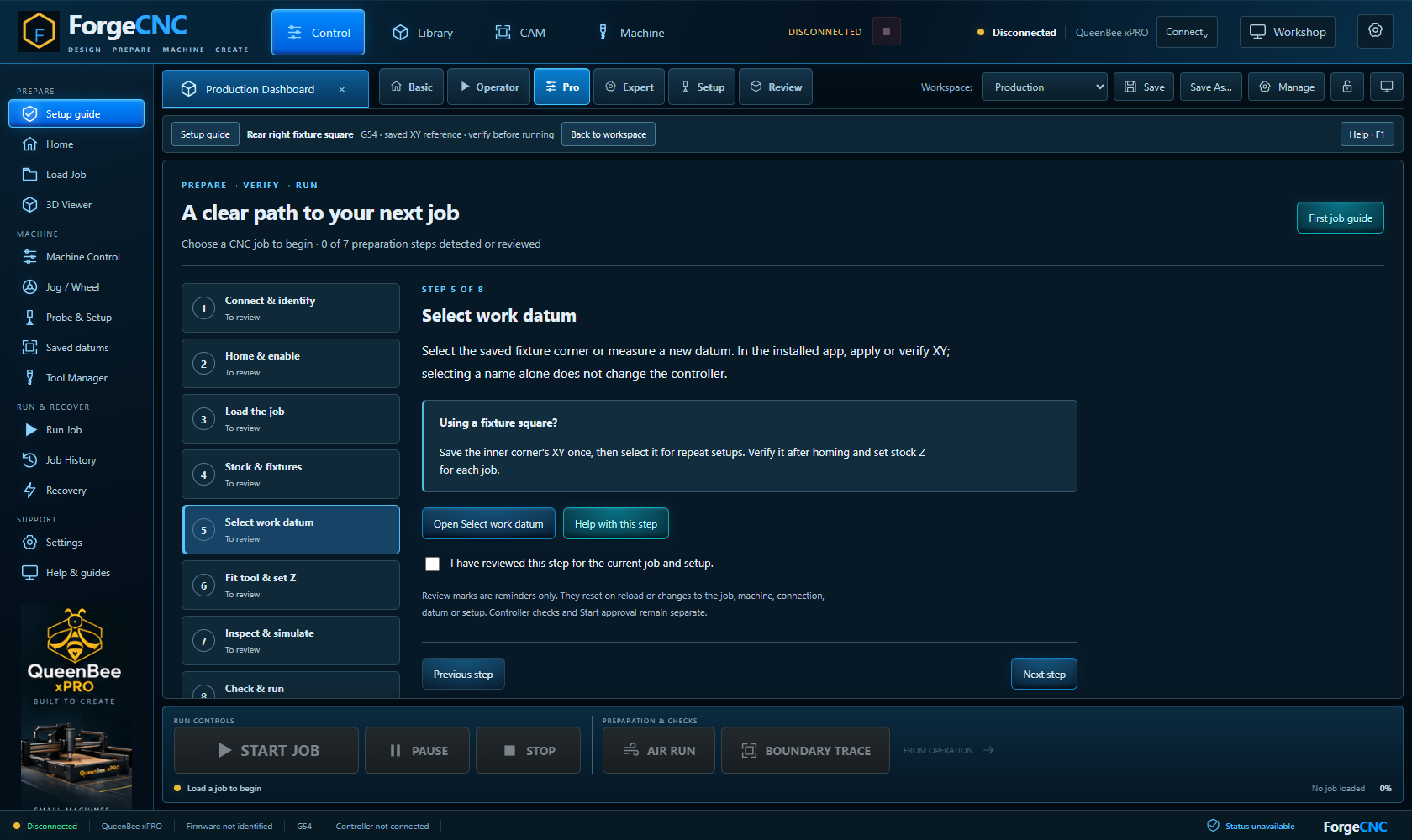
Work through setup, tools, review and preflight. Machine status and recovery guidance remain part of the workflow.
Read the guideImport supported supplier libraries, keep your own measured tools and maintain stock records alongside your preparation.
Use the available workspace layouts and arrange panels for preparation, operation or diagnostics.
Use contextual guides inside the application and continue learning in the searchable Academy.
Explore the software. Learn the workflow. Find your next idea.