
Your first job, from setup to Start
Follow the setup guide for one machine, one fixture and one loaded job.
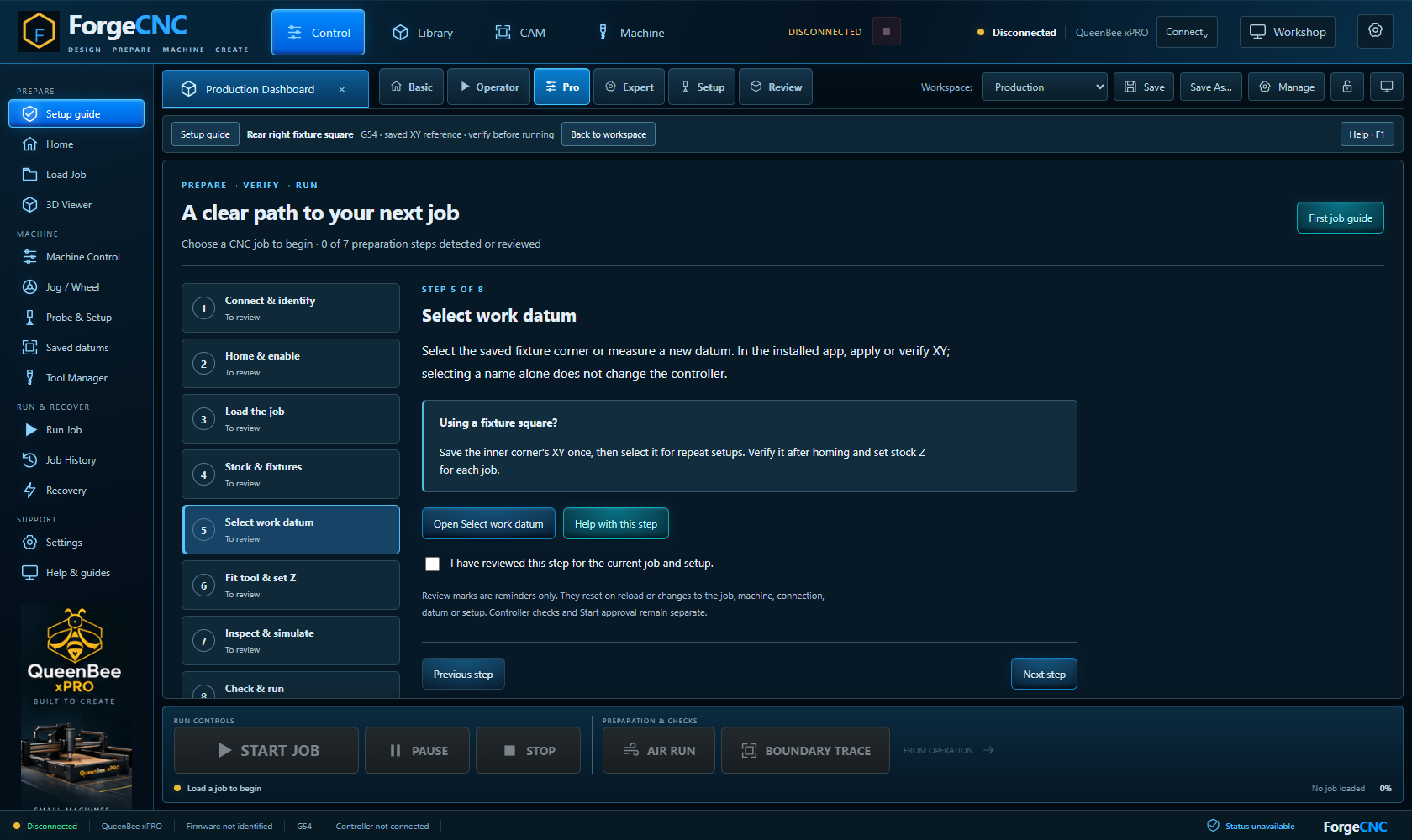
Step by step
- Choose the correct machine profile in Settings. Check travel dimensions and controller connection details.
- Connect in the installed app. In Machine Control, read machine state and begin setup. A new physical installation must complete its commissioning programme before normal operation.
- Home with a clear machine, then enable production controls. Secure stock and check clamp clearances.
- Load a supported CNC file. Select a saved fixture datum or measure a new one. Apply or verify XY, then probe stock Z with the fitted cutter.
- Review stock, fixtures and the actual fitted tools. Inspect the toolpath and carving. Check the job, address every blocking finding, and consider a supervised air run.
- Open Run Job, review the current checked path and approve it. START JOB is always a separate, explicit action.
Saved learning progress will be available when accounts open.
Learning progress records reading, not physical commissioning or authorisation to operate.