
Browser preview and installed apps
Understand which tasks are available offline and which require the native controller owner.
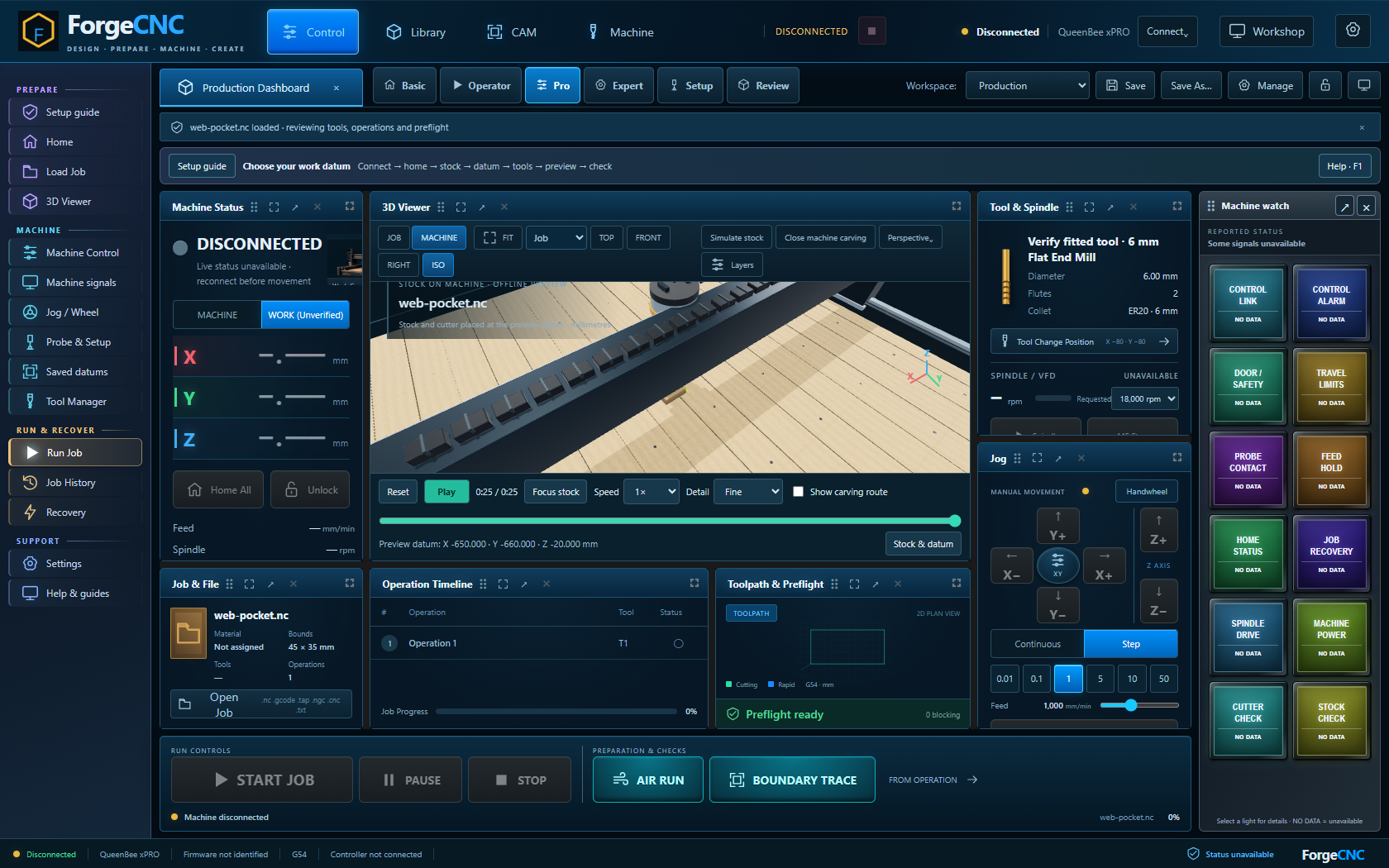
Step by step
- Use the browser to load a CNC file, inspect its path, play stock carving, manage fixture references and read these guides.
- Use the installed Windows or Linux app to connect to a controller and perform supervised machine workflows.
- Preferences and saved datums belong to the current browser origin or installed app profile. Export application configuration in Settings to transfer them.
- Select and verify imported machine and datum references before use. Browser playback does not prove hardware readiness.
Saved learning progress will be available when accounts open.
Learning progress records reading, not physical commissioning or authorisation to operate.